Identifying use cases
Your first skills decide whether the rollout sticks. This page shows where to find them: in the repetitive work your pilot team already does, and in the AI experiments your power users have already run.
Start from repetitive knowledge work
Sit with the pilot team and list the tasks they do weekly that follow a pattern: drafting the same category of reply, pulling the same report, triaging the same queue, reformatting the same data. These are skill candidates because the procedure already exists in someone's head; a skill just writes it down so the AI can follow it every time.
Ignore tasks that are rare, judgment-heavy, or different every time. A skill that fires once a quarter never earns its review cost.
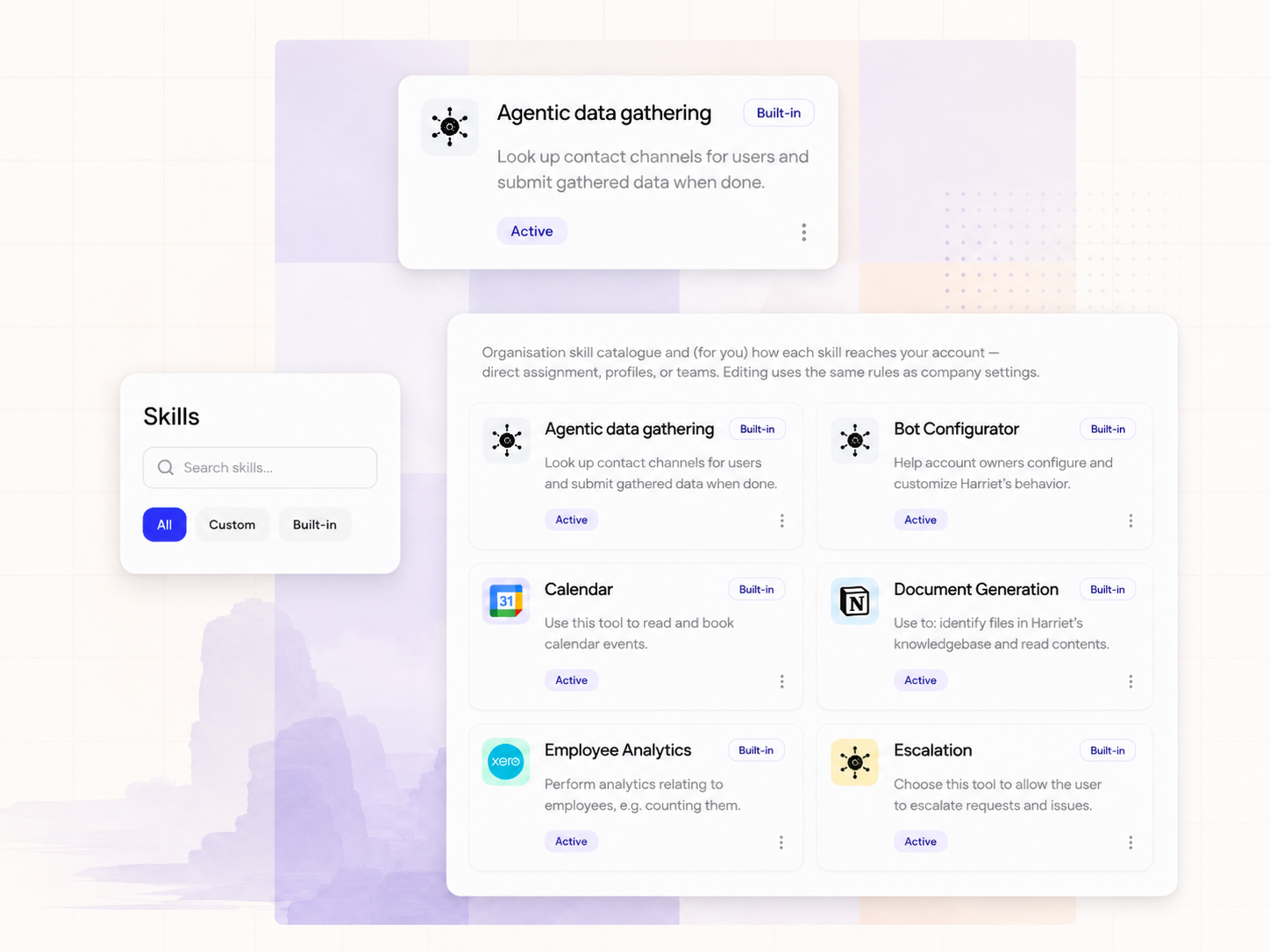
Capture what power users already do
In most organizations someone has already built something useful in Claude: a repeatable workflow, a clever prompt, an ad-hoc tool chain. Harriet gives you two paths to turn those experiments into reviewed, distributable skills:
- Session distiller captures prior art from an existing Claude session, with no agent enrollment or MCP deployment needed first. The person downloads Session distiller from Endpoint AI, loads it in the same Claude session where the experiment lives, and it distills the work into a
SKILL.mdfile plus optionalreferences/files. They then submit it with a short-lived upload key, and it lands in the review queue. - Skilify runs on a provisioned endpoint and teaches the assistant to package repeatable playbooks as an Anthropic-compatible skill folder, then submit them through device credentials. Same destination: the review queue.
Either way, nothing is published to teammates until an approver acts, even for account owners. That review step is what turns one person's experiment into something you can hand to fifty people. See the review workflow.
Before anyone submits, get explicit agreement from the author: the package will be visible to reviewers and stored for moderation. And treat packages as instructions, not secrets — no API keys or private customer data inside.
What makes a good first skill
Score every candidate against three criteria before it goes near the review queue:
- Clear input and output. You can say in one sentence what goes in and what comes out. "Turn a support thread into a categorized ticket summary" qualifies; "help with customer stuff" does not.
- One connector or none. A prompt-only skill or one that touches a single system fails in ways you can diagnose. A skill spanning three connectors multiplies auth, permissions, and review surface before you've proven anything.
- Measurable time saved. The team can estimate minutes saved per run and runs per week. If nobody can, the skill probably automates something nobody actually does.
Prefer read-only candidates first. The rollout checklist rule applies to skills too: do not enable write skills in production until read paths are stable.
Test before you submit
Ask authors to test the skill end-to-end in a clean session using only what is in the folder before submitting. Reviewers treat incomplete packages as wasted time, and a rejected first submission teaches your early authors the wrong lesson. Once a skill is approved, assign it to the pilot team via a profile and check the Dashboard after a week: if the tool call stream shows nobody running it, the use case was wrong, not the rollout.